
Image Rendering Test
This post demonstrates Hugo Narrow’s justified gallery layout with lightbox functionality.
Gallery Images
Here are some test images arranged in a justified gallery layout:
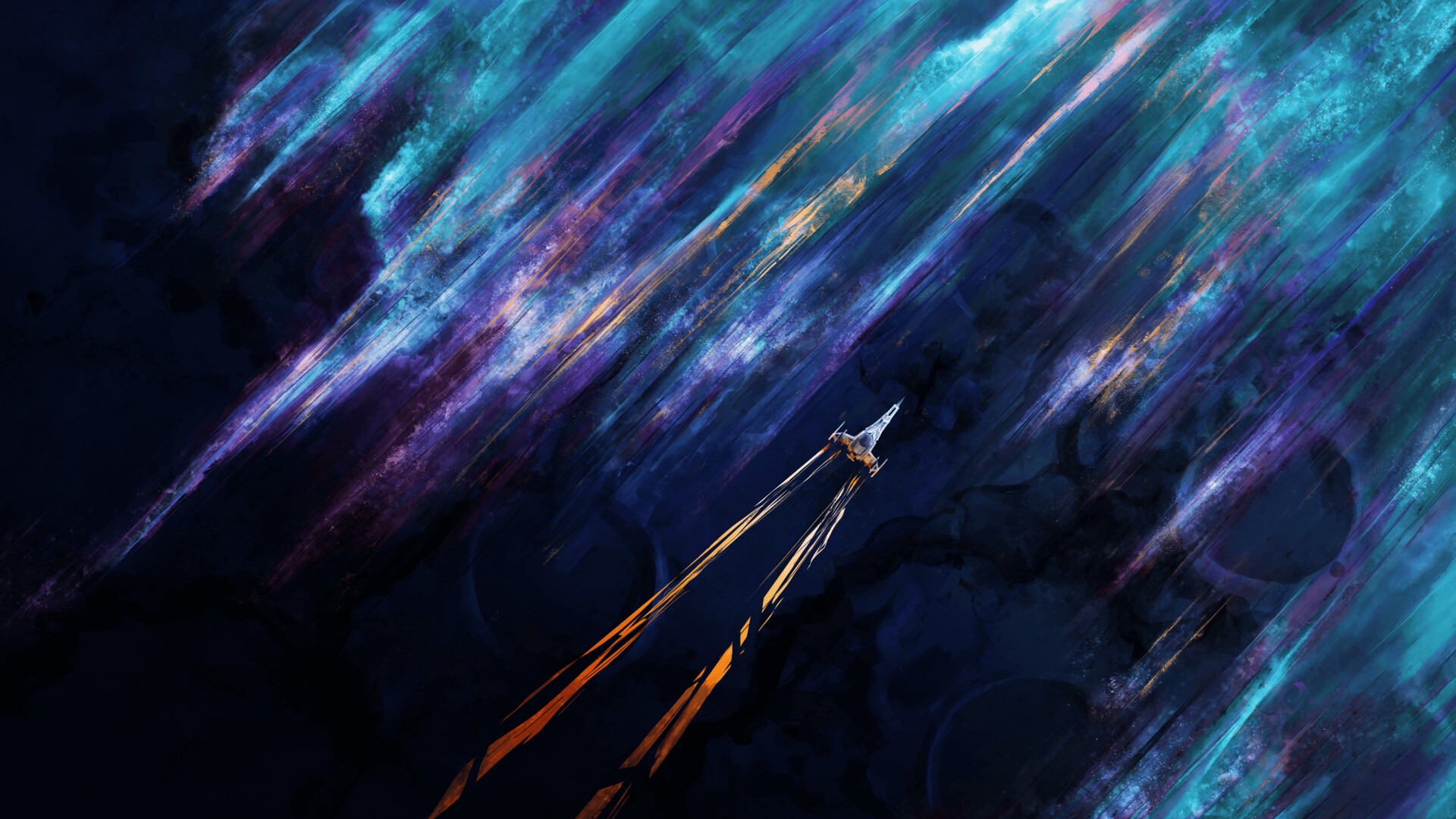

.jpg “Downloaded image for testing”)

.png “Third AI generated artwork”)
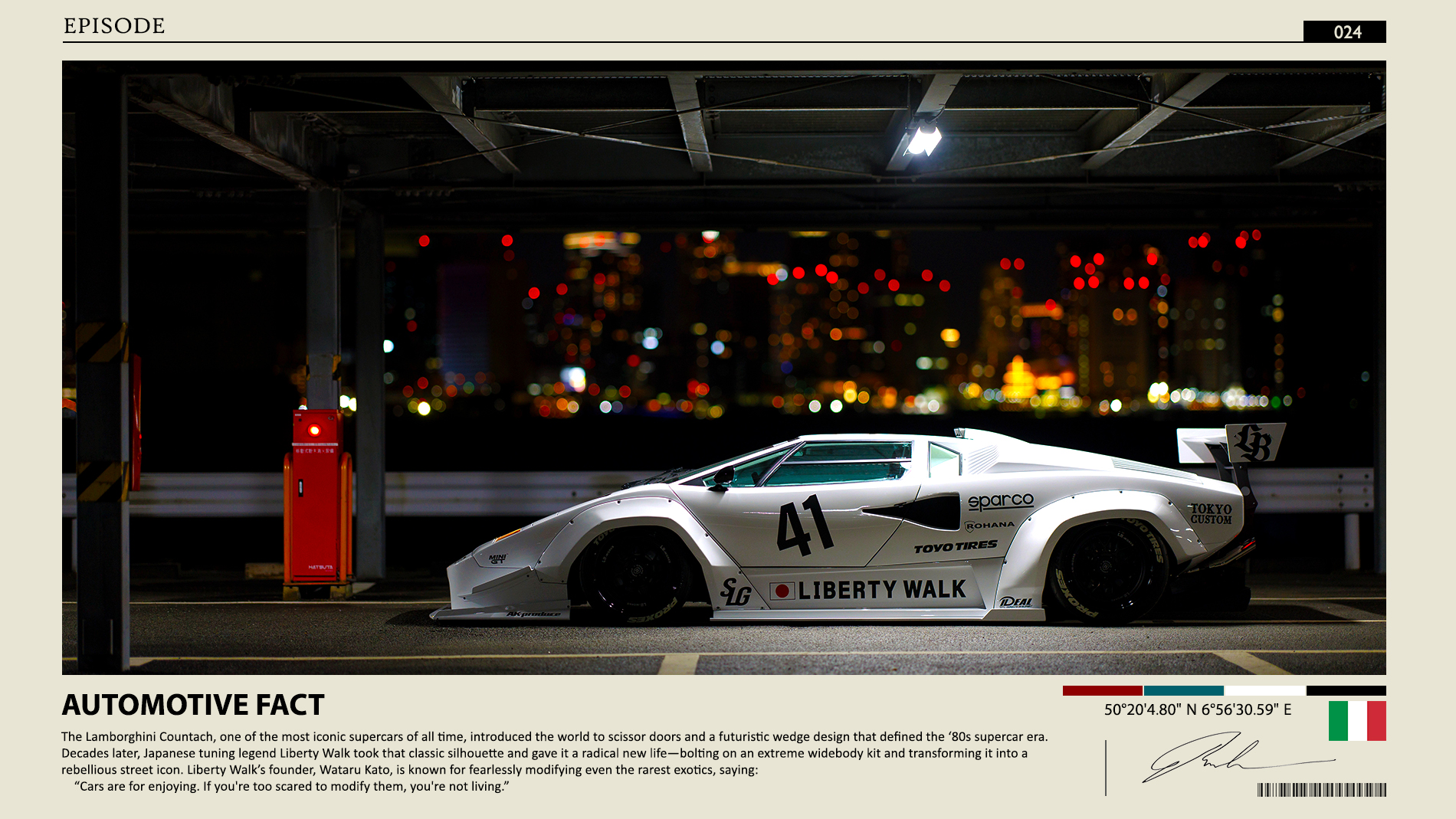
.png “Fourth AI generated artwork”)
Features Demonstrated
- Justified Layout: Images automatically arrange in horizontal rows with equal height
- Thumbnail View: Images appear as small thumbnails in the justified grid
- Lightbox: Click any thumbnail to view full-size image in overlay
- Navigation: Use arrow keys or click to navigate between images
- Responsive: Layout adapts to different screen sizes
- Lazy Loading: Images load as needed for better performance
How It Works
The Hugo Narrow theme automatically detects consecutive images and applies the justified gallery layout when:
justified_gallery.enabled: trueis set in the post front matterlightbox.enabled: trueis set for lightbox functionality- Images are placed consecutively in the markdown
The theme uses the fjGallery library for justified layout and GLightbox for the lightbox overlay functionality.